
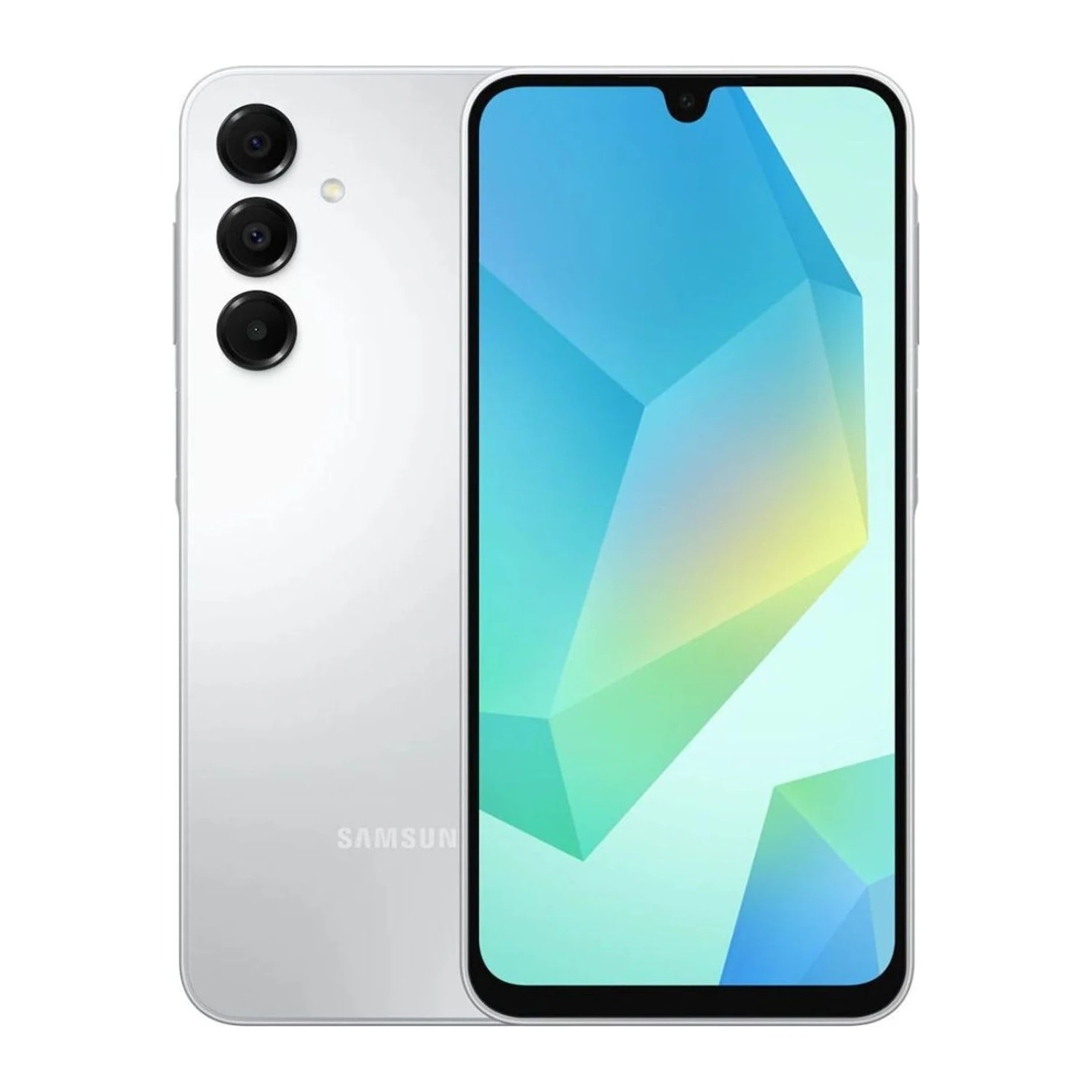
Buying a new phone is a big spend, so it pays to spend five minutes checking it before you pay. Here is the simple checklist we use at our Jamuna Future Park store — you can use it anywhere.
1. Check the IMEI on the phone and on the box
Dial *#06#. The IMEI number(s) on the screen must match the numbers printed on the box sticker. If they do not match, the box and the phone did not come together.
2. Check that the IMEI is registered with BTRC
Unregistered phones can stop working on Bangladeshi networks. Send an SMS KYD <space> your 15-digit IMEI to 16002 and you will get a reply with the registration status.
3. Know which version you are buying
The same model can come as an official Bangladesh unit or a global / regional version (for example India, USA or China). Ask which one it is, what warranty it has (official brand warranty or the shop's service warranty) and whether the software updates normally.
4. Open the box in front of you
- The seals should be intact and the phone should be at 0 activations.
- Check the screen, frame and camera glass for scratches.
- Test calling, both SIM slots, Wi-Fi, cameras, speakers and charging before you leave.
5. Keep the invoice
Always take a proper invoice with the IMEI written on it. You need it for any warranty or replacement claim.
Questions about a phone you are about to buy? Message us on WhatsApp at 01615316431 or visit us at Jamuna Future Park, Level 4, Block D, Shop 23B.