In this article
- Quick Verdict (সংক্ষেপে সেরা পছন্দ)
- Why Medical and University Students in BD Are Ditching Paper Textbooks
- Choosing an iPad for Anatomy Drawing and PDF Annotation
- Best Android Tab with Pen for Class Notes BD (2026)
- Spec Comparison: Top Study Tablets in Bangladesh (November 2026)
- Bangladesh Buying Guide: Wi-Fi vs Cellular, eSIM, and Warranty
When searching for the best tablet for medical students in bd, the most reliable all-rounder as of November 2026 is the iPad 11 Gen (A16) paired with an active stylus, while the Samsung Tab S10 FE stands out as the top value pick because its IP68 water-resistant S Pen comes free inside the box. Both tablets easily handle 1,000-page medical PDFs like BD Chaurasia or Bailey & Love, run 3D anatomy apps without stuttering, and last through back-to-back morning lectures and hospital ward rounds. If you are a university student in engineering, BBA, or humanities who prioritizes a high-refresh-rate screen for split-screen multitasking, the Xiaomi Pad 8 and Redmi Pad 2 Pro offer sharp displays and long battery life for the money.
Quick Verdict (সংক্ষেপে সেরা পছন্দ)
If you have an upcoming prof exam or semester final and need to pick a study device right now, here is how our top tested tablets compare:
- Best Overall for MBBS & BDS Students: iPad 11 Gen (A16) — Starting at 128GB storage with 6GB RAM, it runs iPadOS medical apps like Complete Anatomy, Notability, and GoodNotes 6 smoothly. Pair it with a third-party stylus to save money.
- Best Out-of-the-Box Value with Pen: Samsung Tab S10 FE — Ships with a 2.8ms low-latency S Pen in the box, features a 90Hz IPS display, an IP68 rating against dust and spills, and a microSD slot for expanding textbook storage.
- Best for 3D Medical Rendering & Clinical Research: iPad Pro 11 Inch (M5) — Powered by the Apple M5 chip with a 120Hz Tandem OLED display, this is built for postgraduate residents and power users who manipulate multi-layer 3D surgical models.
- Best Display for Split-Screen Reading: Xiaomi Pad 8 — Its 11.2-inch 3:2 aspect ratio screen (3.2K resolution, 144Hz) mimics the shape of an actual textbook page, making side-by-side PDF reading and note-taking comfortable.
- Best Budget Large-Screen Note-Taker: Redmi Pad 2 Pro — Offers a spacious 12.1-inch 120Hz canvas and a 12,000mAh battery that survives two full days of campus classes without a charger.
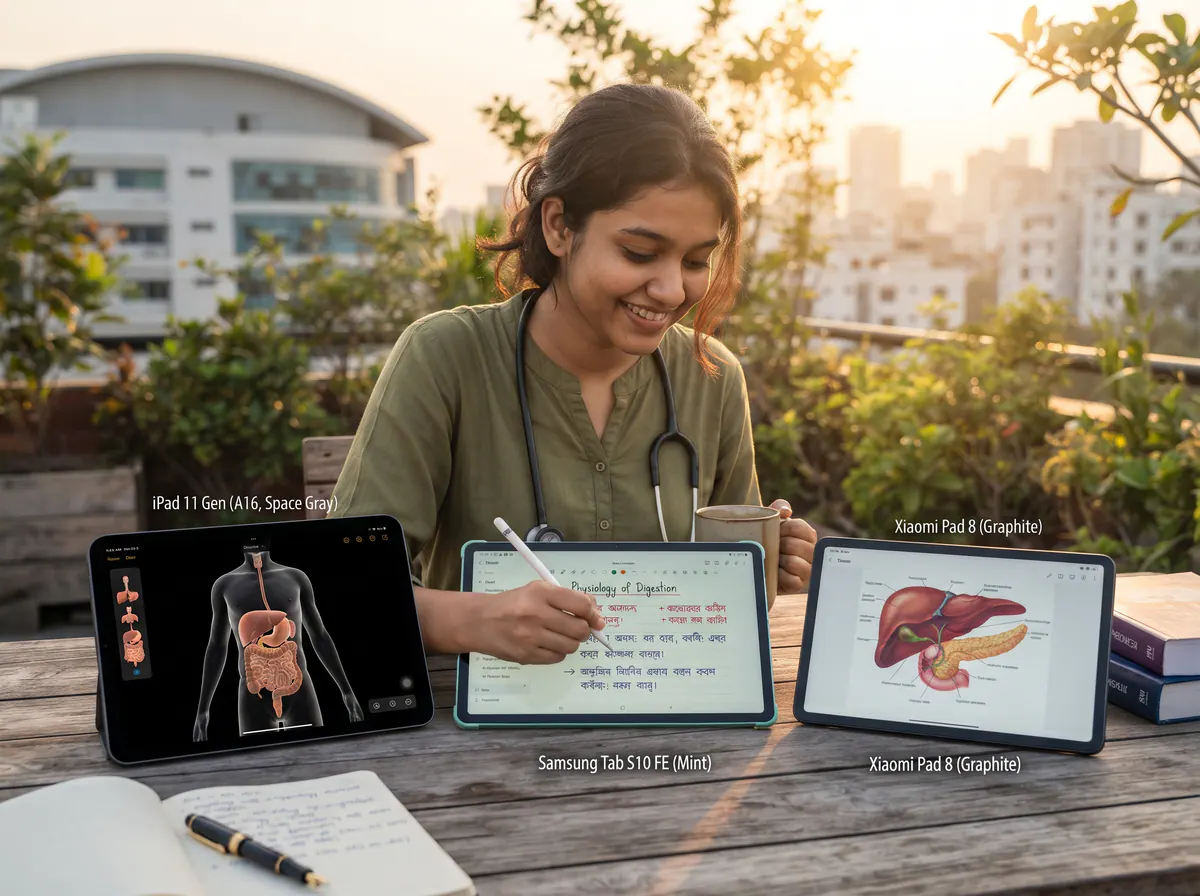
Why Medical and University Students in BD Are Ditching Paper Textbooks
Walk into the library at Dhaka Medical College, BSMMU, BUET, or any private university in Dhaka today, and you will see fewer backpacks stuffed with five-kilogram hardcovers. Medical education requires cross-referencing multiple heavy volumes at once—checking an anatomical structure in Netter's Atlas while reading the clinical correlation in Guyton and Hall and annotating lecture slides.
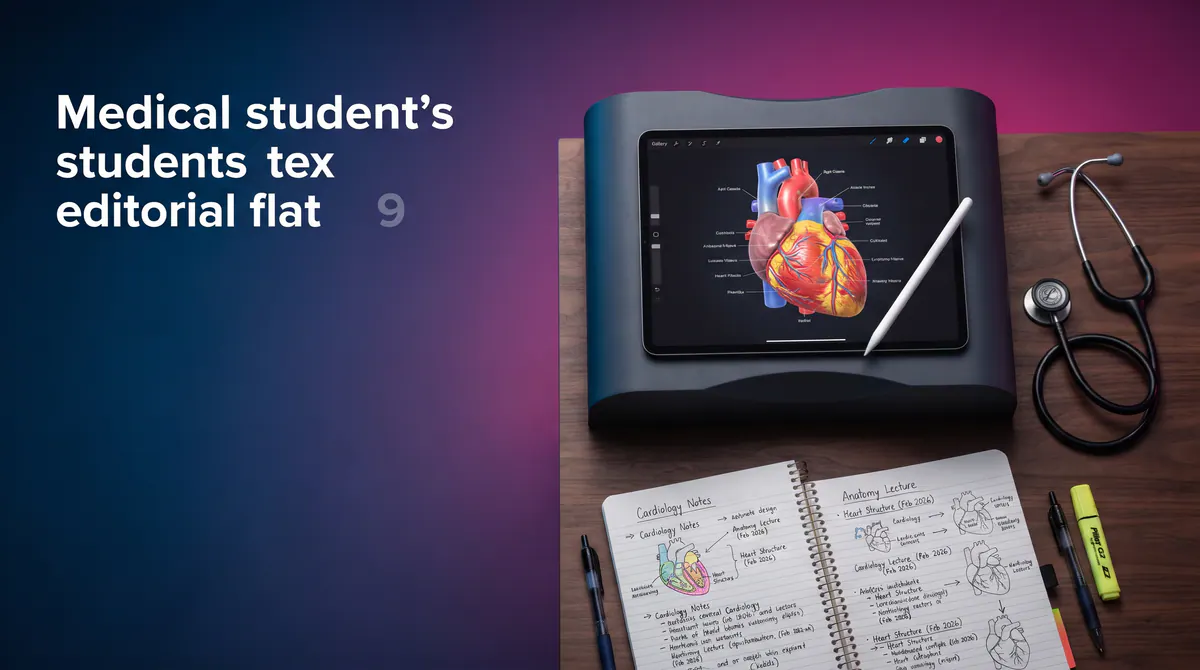
Carrying physical copies through Dhaka traffic or standing for three hours in a crowded hospital ward with a heavy bag is impractical. A 500-gram tablet holds your entire five-year MBBS or four-year Honours booklist, alongside pathology slides, ECG strips, and recorded audio lectures. More importantly, global search inside apps like Flexcil, Samsung Notes, or GoodNotes lets you type a keyword like "Brachial Plexus" and instantly pull up every handwritten note, textbook diagram, and PDF highlight you have made over the past three years.
Choosing an iPad for Anatomy Drawing and PDF Annotation
For years, Bangladeshi medical students defaulted to Apple because apps like Procreate, GoodNotes, and Complete Anatomy are optimized first for iPadOS. When looking for an ipad for anatomy drawing and pdf markup as of November 2026, two specific models make the most sense depending on your budget.
1. The Practical Campus Standard: iPad 11 Gen (A16)
Released in March 2025 and widely available across Bangladesh as of November 2026, the 11th-generation iPad solved the biggest complaint students had with the older 10th-gen model: storage. Apple doubled the base storage from 64GB to 128GB and bumped the memory to 6GB RAM, pairing it with the A16 Bionic chip.
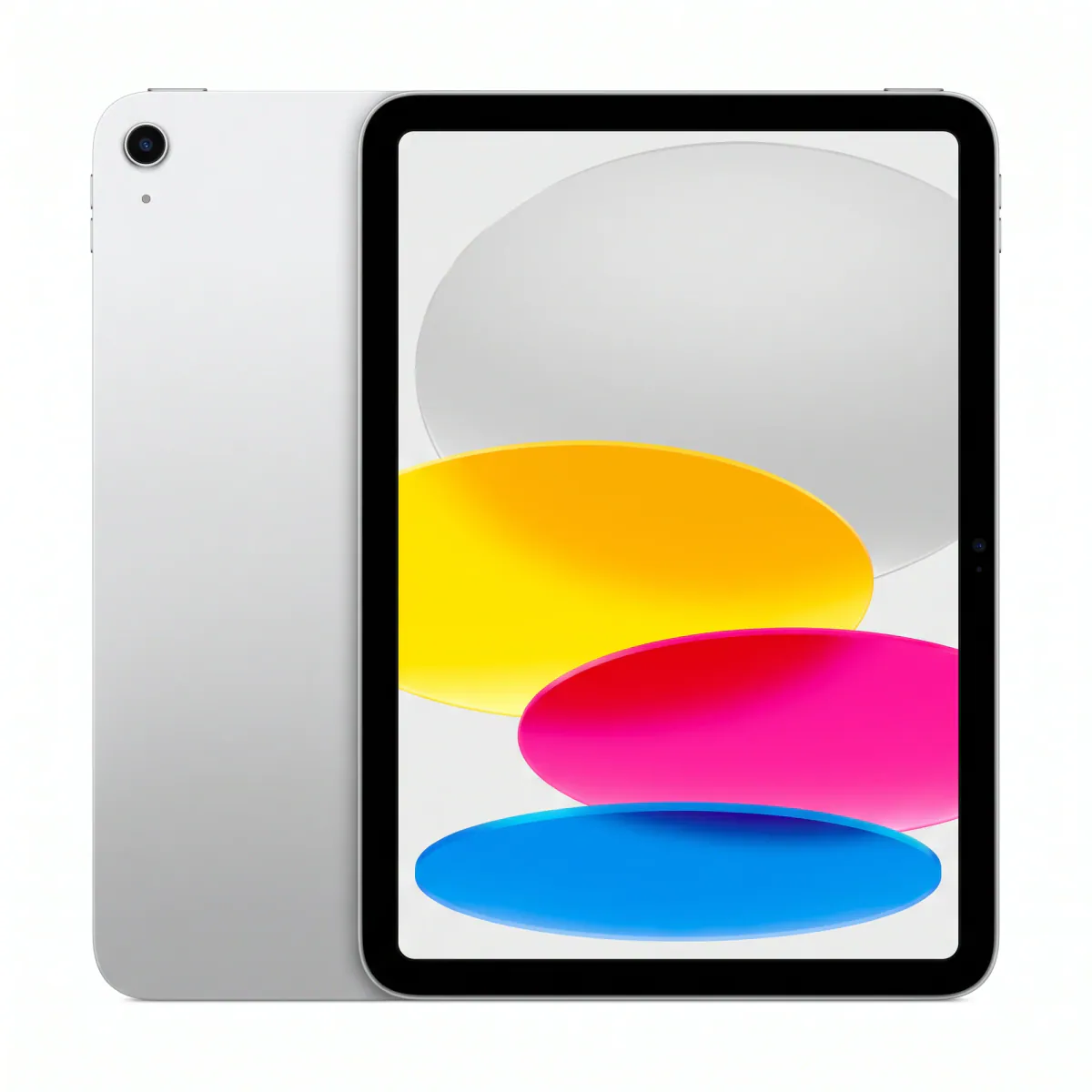 Available at XeeroiPad 11 Gen (A16)৳54,499 – ৳55,999EMIIn stockView
In real-world student use, 128GB is the sweet spot. A standard 64GB tablet fills up fast once you download iPadOS updates, 3D anatomy packs, and twenty high-resolution medical PDFs. With the A16 chip, scrolling through an 800-page scanned PDF of Robbins Basic Pathology has zero lag.
One honest detail you should know from hands-on testing: the 11-inch Liquid Retina IPS display (1640 x 2360 pixels, 500 nits) is unlaminated. That means there is a tiny air gap between the cover glass and the LCD panel. While professional digital artists notice this gap, medical and university students tracing histology diagrams or writing clinical notes get used to it within an hour—and an unlaminated screen is significantly cheaper to repair if you accidentally drop it on a ward floor.
2. The Surgical-Grade Powerhouse: iPad Pro 11 Inch (M5)
If your budget has no ceiling, or if you are a postgraduate FCPS/MD resident working with heavy DICOM radiology files, 4K surgical videos, and multi-layered anatomical illustrations, the M5 iPad Pro (launched in October 2025) is in a different league.
At just 5.3mm thin and weighing 446 grams, it is lighter than most spiral notebooks. Its Ultra Retina XDR Tandem OLED display delivers 1000 nits of sustained brightness and an adaptive 10Hz–120Hz ProMotion refresh rate. When you sketch nerve pathways or shade muscle groups, the ink flows out of the stylus tip with zero perceptible delay. Starting with 12GB of unified RAM and 256GB storage on the base model, it will comfortably outlast your entire medical school journey and internship.
Smart Stylus Pairing for iPad Students
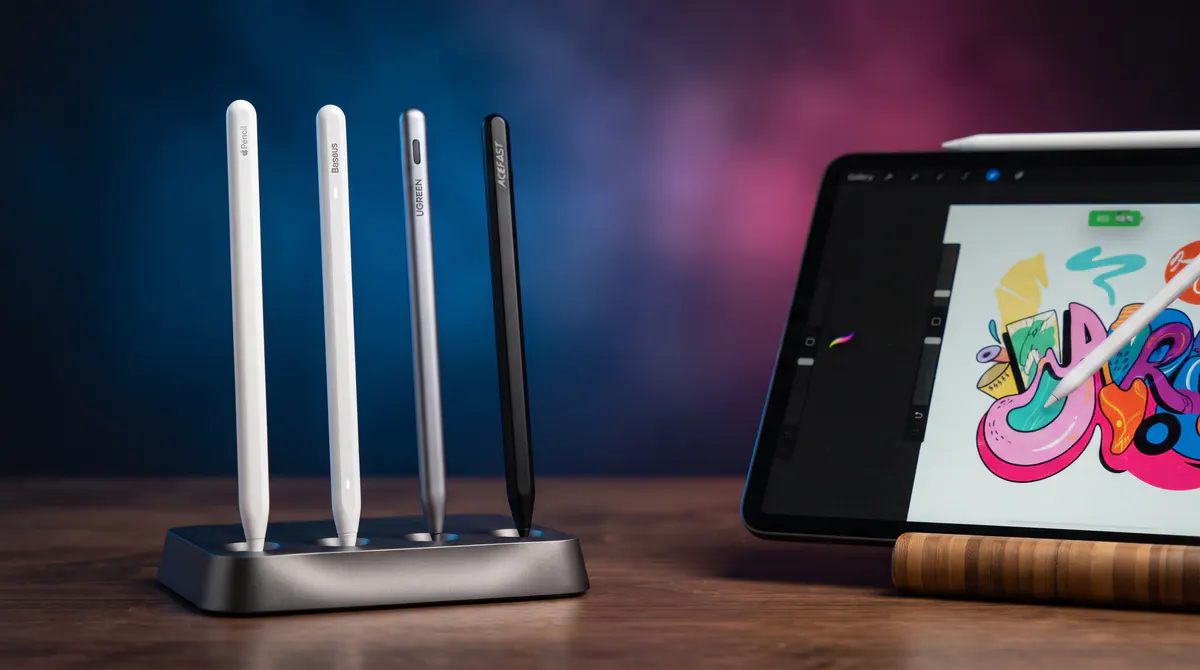
Buying an official Apple Pencil can stretch a student budget. Because the iPad 11 Gen (A16) does not charge the magnetic Pencil Pro, many students at our Jamuna Future Park shop opt for specialized third-party styluses that support palm rejection and tilt sensitivity for shading anatomy diagrams:
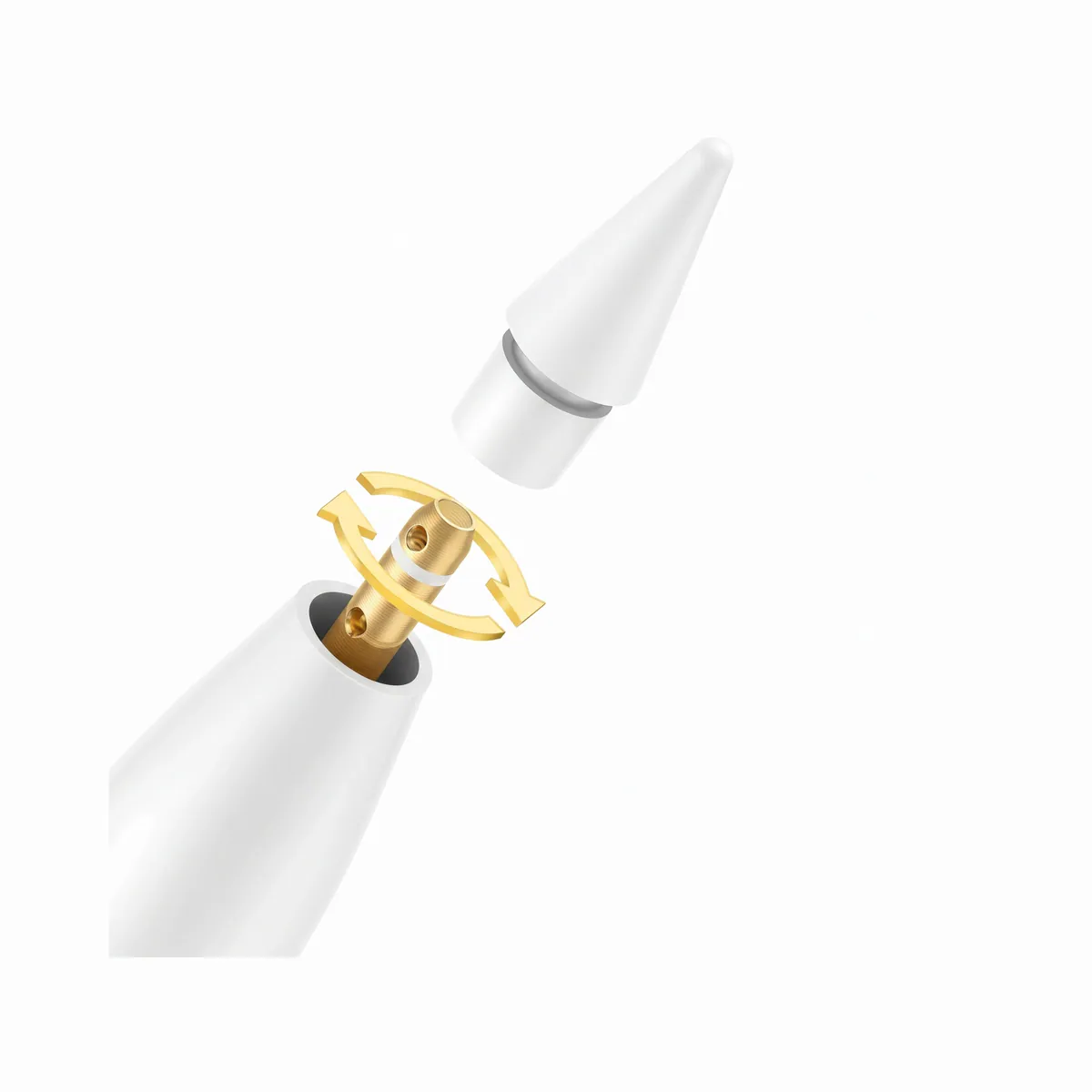 Available at XeeroBaseus Stylus Pen Smooth Series 3 Magnetic Wired Charging Active Version৳2,799EMIIn stockView
The ESR Geo Digital Pencil even integrates with Apple's Find My network, which is a lifesaver when your pen rolls under a lecture hall bench or gets misplaced in a hospital duty room.
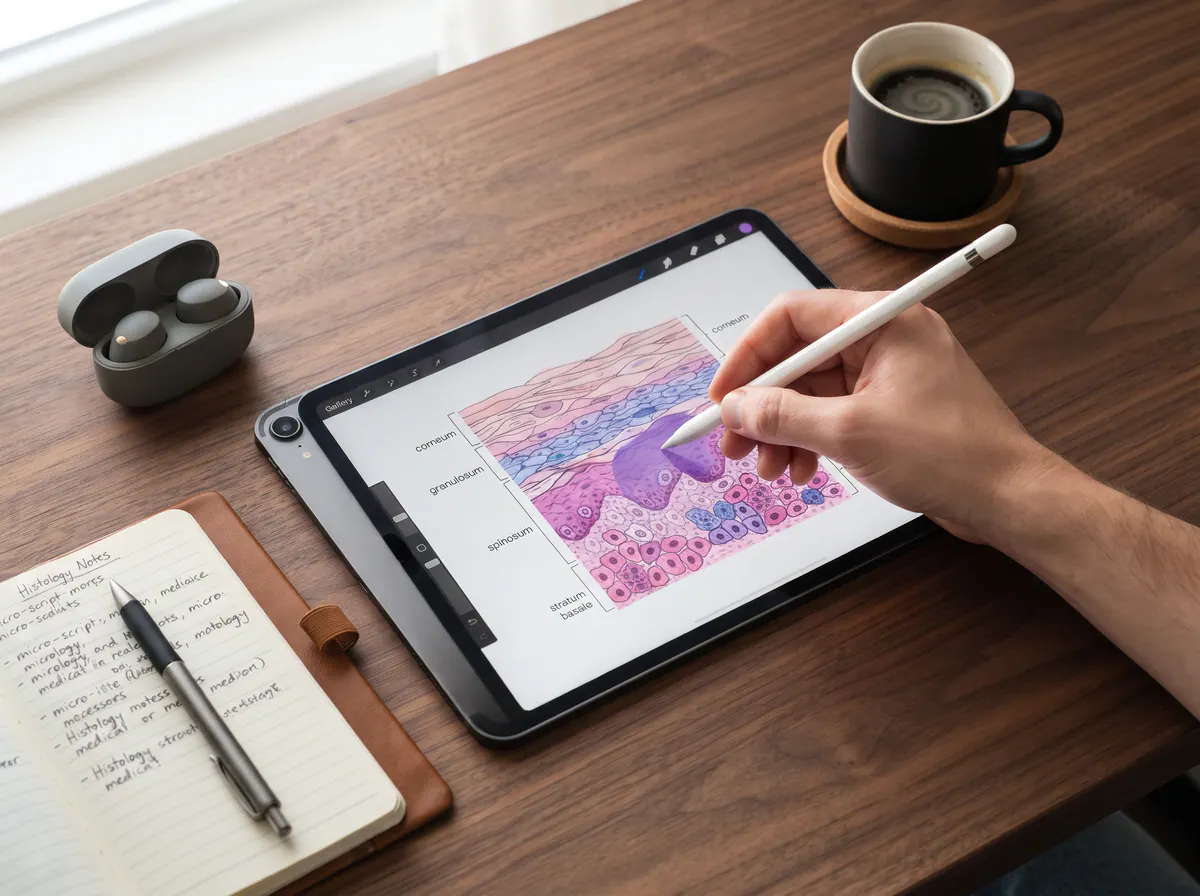
Best Android Tab with Pen for Class Notes BD (2026)
If you use an Android phone, prefer dragging and dropping PDFs directly from a PC without iTunes/iCloud, or want a microSD card slot, choosing an Android tab with pen for class notes bd is often smarter and more economical.
1. The Complete Student Package: Samsung Tab S10 FE & Tab S9 FE 5G
Samsung's Fan Edition tablets are remarkably popular among Bangladeshi university students for one clear reason: you do not have to buy the stylus separately. Both the newer Samsung Tab S10 FE (released April 2025) and the proven Samsung Tab S9 FE 5G include the Wacom-powered S Pen right in the box.
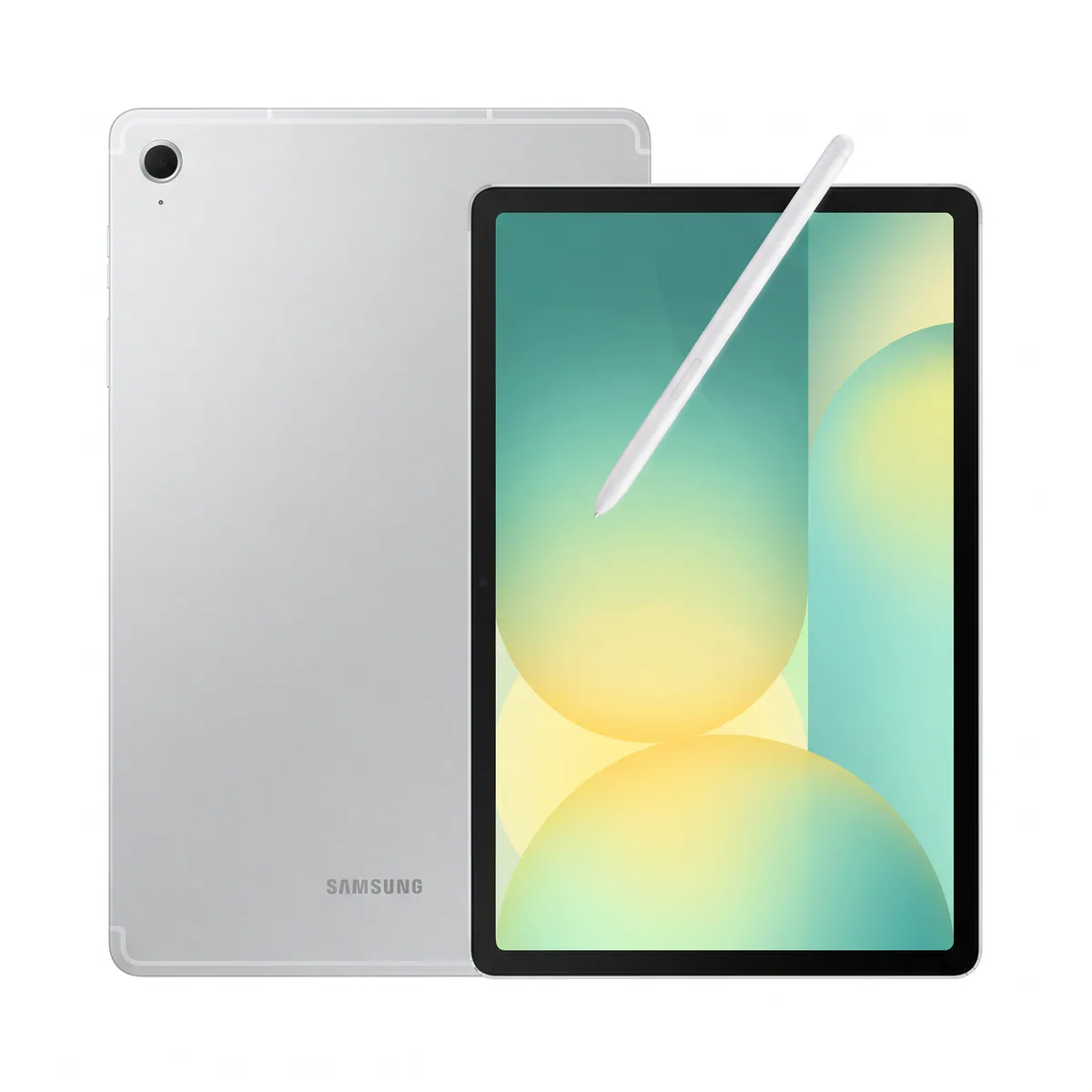 Available at XeeroSamsung Tab S10 FE৳54,500 – ৳65,999EMIIn stockView
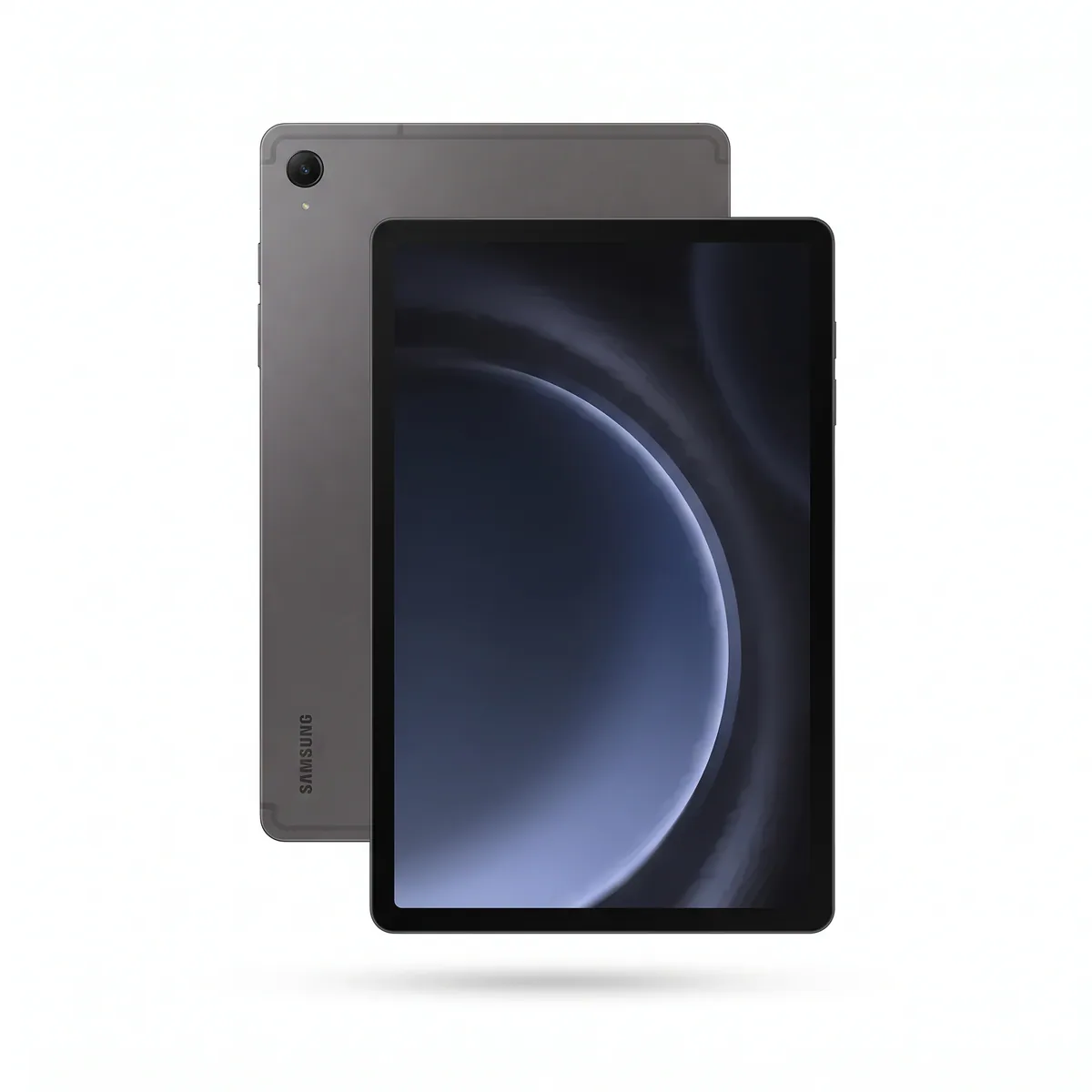 Available at XeeroSamsung Tab S9 FE 5G৳46,000EMIIn stockView
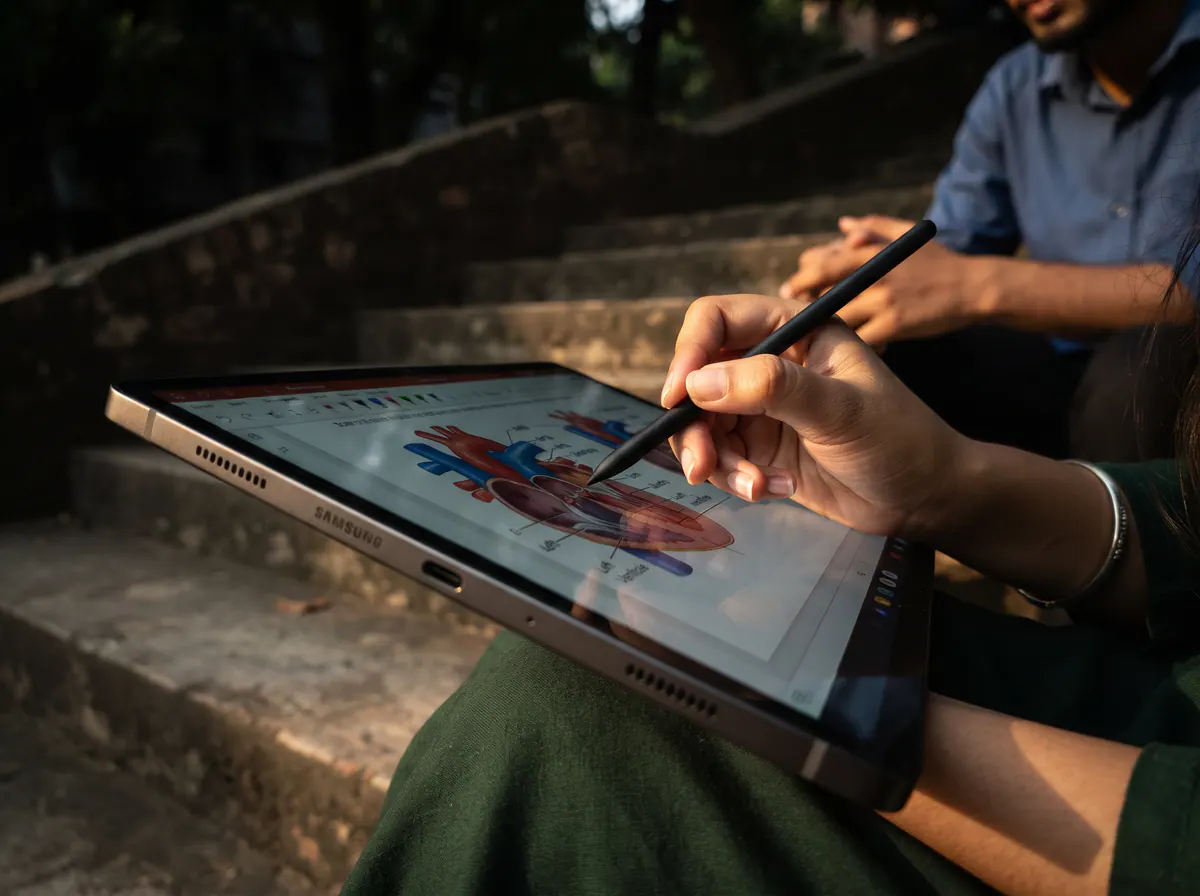
Unlike active capacitive pens that need Bluetooth pairing and charging to work for writing, Samsung's S Pen uses electromagnetic resonance (EMR). It never needs charging to write or draw, has a soft rubberized 0.7mm tip that feels like a gel pen on paper rather than hard plastic knocking on glass, and offers 4,096 levels of pressure sensitivity.
The Samsung Tab S10 FE upgrades the processor to the 4nm Exynos 1580 paired with 8GB or 12GB of RAM, slims the aluminum body down to 6.0mm (around 497g for Wi-Fi), and runs Android 15 with One UI features like Math Solver and Handwriting Help inside Samsung Notes. Both the tablet and the S Pen carry an IP68 water and dust resistance rating—meaning an accidental cup of tea spilled at the campus canteen or sudden monsoon rain on your way to coaching will not ruin your notes. If you still want cellular connectivity on a tighter budget, the Samsung Tab S9 FE 5G with the Exynos 1380 chip and 8,000mAh battery remains a dependable workhorse.
2. The Flagship Android Alternative: Samsung Tab S11
For students who want an AMOLED screen without stepping into iPad Pro pricing, the Samsung Tab S11 (released in September 2025) brings an 11.0-inch Dynamic AMOLED 2X 120Hz panel (up to 1600 nits peak brightness) powered by the 3nm MediaTek Dimensity 9400+ chipset and 12GB of RAM.
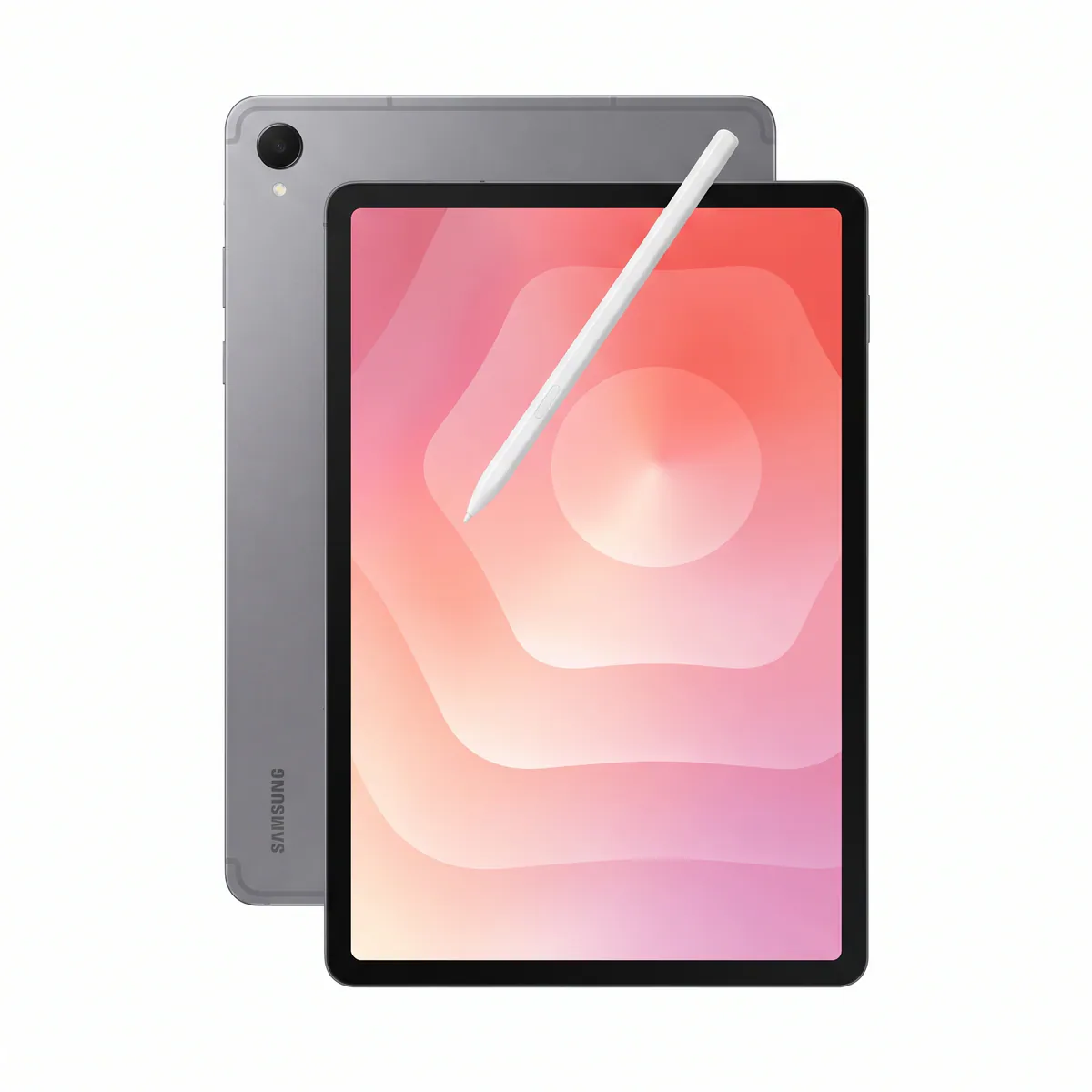 Available at XeeroSamsung Tab S11৳96,000 – ৳1,05,999EMIIn stockView
At 5.5mm thin and 469 grams, it comes with Samsung's redesigned hexagon-shaped S Pen in the box, an 8,400mAh battery with 45W fast charging, and full Samsung DeX support so you can plug into a monitor for thesis writing or PowerPoint presentations.
3. The Textbook Aspect-Ratio Champion: Xiaomi Pad 8
Most Android tablets use a wide 16:10 screen, which feels narrow when held vertically like a book. Announced in September 2025, the Xiaomi Pad 8 uses an 11.2-inch 3:2 aspect ratio IPS LCD (3200 x 2136 resolution, 344 ppi, 144Hz refresh rate).
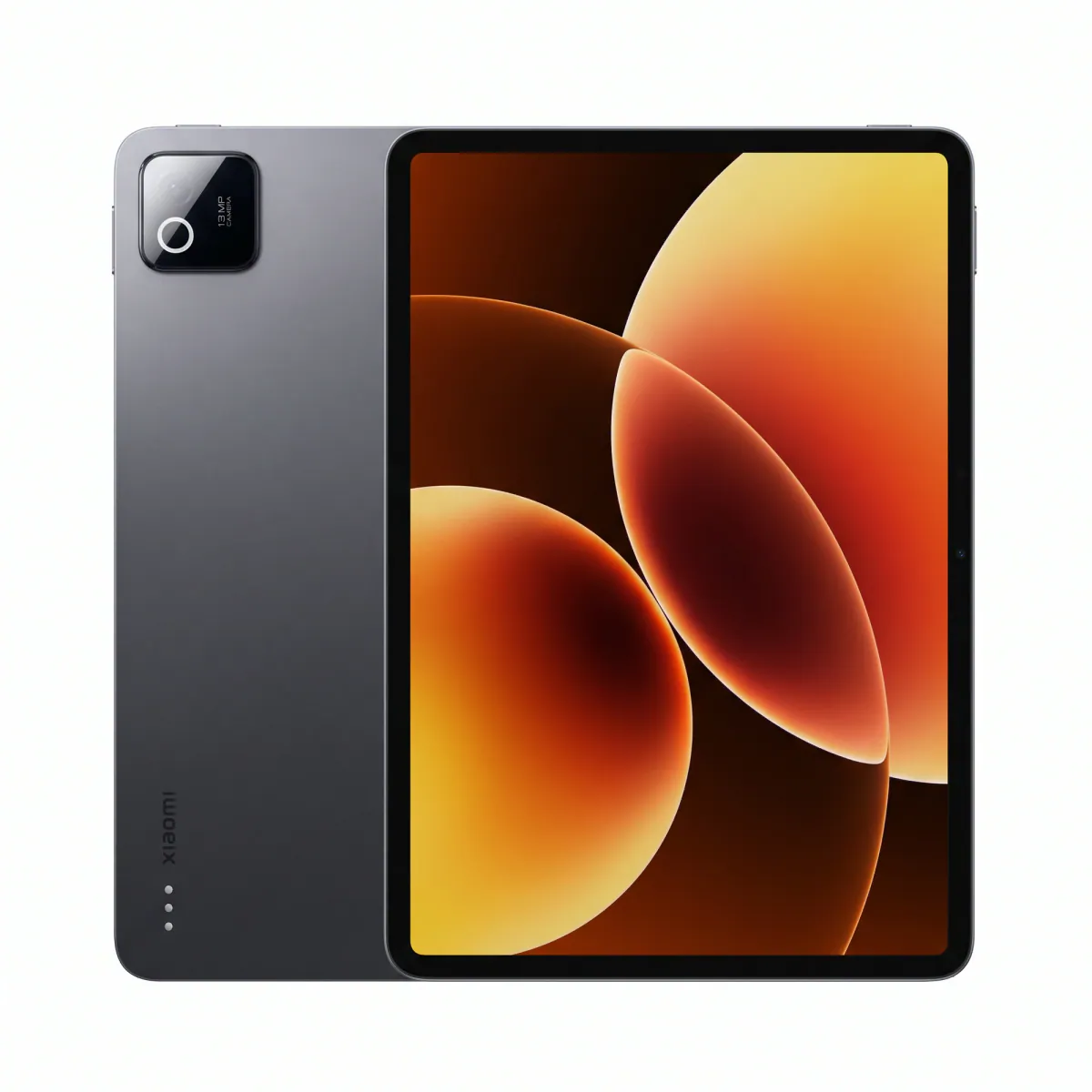 Available at XeeroXiaomi Pad 8৳42,990 – ৳55,999EMIIn stockView
That 3:2 shape gives you noticeably more horizontal room when viewing A4-sized medical PDFs or keeping a YouTube physiology lecture open on the top half of the screen while writing notes on the bottom half. Powered by the 4nm Snapdragon 8s Gen 4 with 8GB or 12GB RAM and a 9,200mAh battery (45W charging), it handles heavy multitasking effortlessly. Keep in mind that the Xiaomi Focus Pen is sold separately and there is no cellular SIM slot.
4. The Budget Split-Screen Giant: Redmi Pad 2 Pro
If a 10.9-inch or 11-inch screen feels cramped when you open two apps side by side, look at the Redmi Pad 2 Pro (launched September 2025).
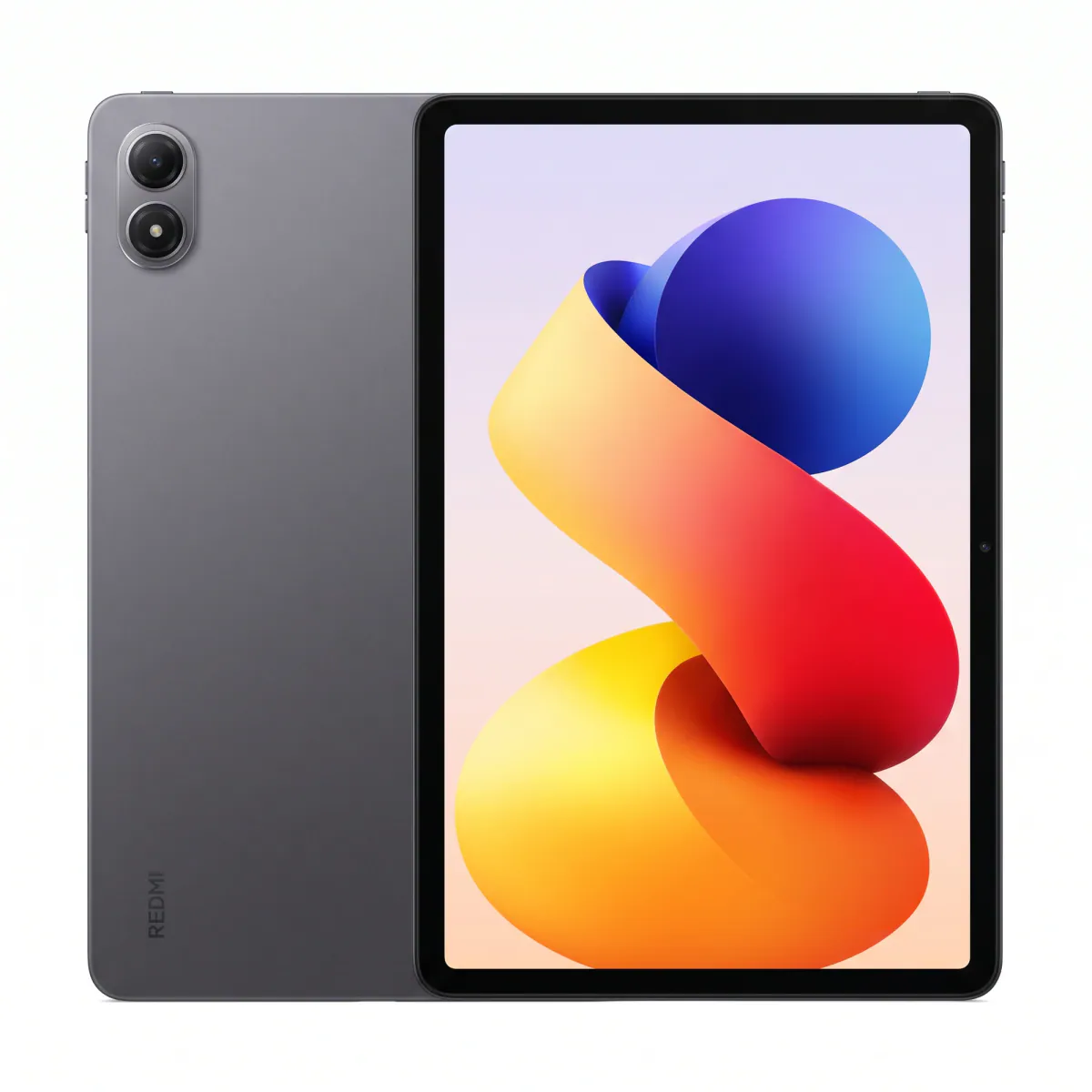 Available at XeeroRedmi Pad 2 Pro৳31,799 – ৳41,499EMIIn stockView
It gives you a 12.1-inch 2.5K (2560 x 1600) 120Hz display, a Snapdragon 7s Gen 4 processor, a dedicated microSDXC slot, a 3.5mm headphone jack for wired earphones during late-night study sessions, and a massive 12,000mAh battery. Paired with the optional Redmi Smart Pen, it is an affordable canvas for drawing mind maps, biochemistry pathways, and engineering flowcharts.
Spec Comparison: Top Study Tablets in Bangladesh (November 2026)
| Tablet Model | Display Size & Type | Processor & RAM | Base Storage & Expansion | Stylus Support | Battery & Weight |
|---|---|---|---|---|---|
| iPad 11 Gen (A16) | 11.0" IPS LCD, 60Hz (2360x1640) | Apple A16 Bionic, 6GB RAM | 128GB (No microSD) | Apple Pencil (USB-C / 1st Gen) or 3rd-Party (Sold separately) | 28.93 Wh (~7698mAh), 477g |
| Samsung Tab S10 FE | 10.9" IPS LCD, 90Hz (2304x1440) | Exynos 1580 (4nm), 8GB/12GB | 128GB + microSDXC slot | S Pen Included in Box (IP68, 2.8ms) | 8,000mAh (45W), 497g |
| Samsung Tab S9 FE 5G | 10.9" IPS LCD, 90Hz (2304x1440) | Exynos 1380 (5nm), 6GB/8GB | 128GB + microSDXC slot | S Pen Included in Box (IP68) | 8,000mAh (45W), 524g |
| Samsung Tab S11 | 11.0" Dynamic AMOLED 2X, 120Hz | Dimensity 9400+ (3nm), 12GB | 128GB/256GB + microSDXC | S Pen Included in Box (IP68) | 8,400mAh (45W), 469g |
| Xiaomi Pad 8 | 11.2" 3:2 IPS LCD, 144Hz (3200x2136) | Snapdragon 8s Gen 4, 8GB/12GB | 128GB/256GB (No microSD) | Xiaomi Focus Pen (Sold separately) | 9,200mAh (45W), 485g |
| Redmi Pad 2 Pro | 12.1" IPS LCD, 120Hz (2560x1600) | Snapdragon 7s Gen 4, 6GB/8GB | 128GB + microSDXC slot | Redmi Smart Pen (Sold separately) | 12,000mAh (33W), 610g |
| iPad Pro 11 Inch (M5) | 11.0" Tandem OLED, 120Hz (2420x1668) | Apple M5, 12GB/16GB RAM | 256GB to 2TB (No microSD) | Apple Pencil Pro / USB-C (Sold separately) | 8,160mAh, 446g |
Bangladesh Buying Guide: Wi-Fi vs Cellular, eSIM, and Warranty
Before purchasing your study tablet in Bangladesh, keep these practical local factors in mind as of November 2026:
- Wi-Fi Only vs Cellular (SIM/eSIM): About 80% of students we assist at Xeero choose Wi-Fi-only tablets because campus Wi-Fi or a quick mobile hotspot from your smartphone is enough to sync cloud notes. However, if you commute long hours or study in hospital wards with poor Wi-Fi, a cellular tablet helps. Note that as of November 2026, cellular versions of the iPad 11 Gen (A16) and iPad Pro 11 Inch (M5) are eSIM-only and have no physical SIM tray, whereas cellular Samsung Tab FE/S11 models support both a physical Nano-SIM and an eSIM. Grameenphone, Robi, and Banglalink all support eSIM activation for compatible tablets in Bangladesh, and cellular models must comply with BTRC IMEI registration guidelines.
- Power Adapters in the Box: Many global-variant tablets—including Samsung's Tab S10 FE/S11 series and Xiaomi's Pad lineup depending on the region—ship with only a USB-C cable in the box. Avoid using cheap third-party chargers that can heat up your tablet's battery during overnight charging. If your box does not include a brick, pair your iPad with an Apple Official Adapter 20W or your Galaxy Tab with a Samsung 45W USB-C Power Adapter.
- China ROM vs Global ROM on Xiaomi Tabs: When shopping for the Xiaomi Pad 8 or Pad 7 in Dhaka, always ask whether the unit runs Global ROM or China ROM. While China ROM units can have Google Play installed manually, Global version tablets support Play Store updates, Google Drive classroom sync, and Bangla font rendering out of the box without notification delays.
- Testing Before You Buy & EMI Support: How a stylus feels in your hand is deeply personal. Some students love the soft friction of Samsung's S Pen, while others prefer the firm precision of an iPad stylus with a matte paper-like screen protector applied. You can visit Xeero at Jamuna Future Park (Level 4, Block D, Shop 23B, Dhaka) to hold these tablets, test palm rejection yourself, or message us on WhatsApp at 01615316431 for nationwide home delivery and flexible bank credit card EMI options.
Frequently asked questions
Is 128GB storage enough for a medical student in Bangladesh?
Yes, 128GB is ideal for all five years of MBBS or BDS. Even with 50+ high-resolution medical textbook PDFs, thousands of handwritten GoodNotes or Samsung Notes pages, and 3D apps like Complete Anatomy installed, you will typically use around 60GB to 80GB of space.
Which is better for class notes and anatomy drawing: iPad 11 Gen (A16) or Samsung Tab S10 FE?
Choose the iPad 11 Gen (A16) if you want exclusive iPadOS apps like GoodNotes 6, Procreate, and stronger long-term processor speed for 3D rendering. Choose the Samsung Tab S10 FE if you want the S Pen included free in the box, a 90Hz laminated screen, IP68 water resistance, and expandable microSD storage.
Can third-party styluses draw anatomy diagrams properly on an iPad?
Yes. Quality active styluses from ESR and Baseus feature full palm rejection and tilt sensitivity, allowing you to rest your palm comfortably on the screen and shade anatomical structures accurately. They only lack pressure sensitivity, which is mainly needed by professional calligraphers rather than medical note-takers.
Do I need a cellular (SIM) tablet for university or is Wi-Fi enough?
For most students in Bangladesh, a Wi-Fi-only tablet is plenty and saves a substantial amount of money. Medical textbooks, PDFs, and note-taking apps work 100% offline, and whenever you need to download a lecture slide in class, turning on your smartphone's personal hotspot takes five seconds.
Does a matte or paper-like screen protector ruin display quality?
A matte protector adds slight graininess to the display and wears down stylus tips a bit faster, but it eliminates overhead fluorescent glare in classrooms and adds natural paper-like friction so your handwriting looks much neater. Alternatively, Xiaomi offers optional factory Matte Glass editions on select Pad 8 and Redmi Pad 2 Pro models.
Which free note-taking app is best for students in Bangladesh?
On Samsung tablets, the pre-installed Samsung Notes app is completely free, supports audio recording synced to handwriting, and handles massive PDFs without subscription fees. On iPads, Apple Notes and CollaNote are great free options, while Flexcil and Noteful offer affordable one-time purchases compared to yearly subscriptions.